Aomark Hub · Updated September 28, 2026
Find articles ready for review, check Writer queue counts, and open connected sites from the Hub overview.
Find work that needs attention
The Hub Overview brings together links to article work, connected sites, and recent activity. Its content workflow highlights articles ready for review and provides Review next and Review links. Use those links to open the relevant Writer work; the displayed counts and article activity reflect the connected account.
- Open Overview from the Hub navigation.
- Use Review next or a Review link to open work that is ready for attention.
- Choose Open Writer when you want to continue in the full Writer workspace.
Check queues and connected sites
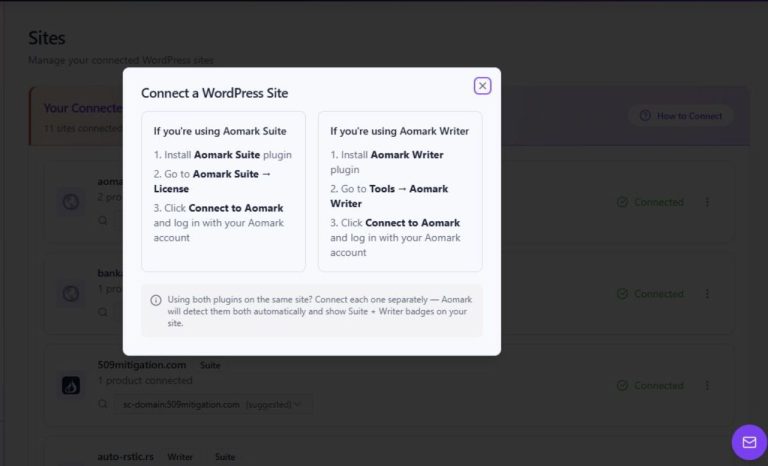
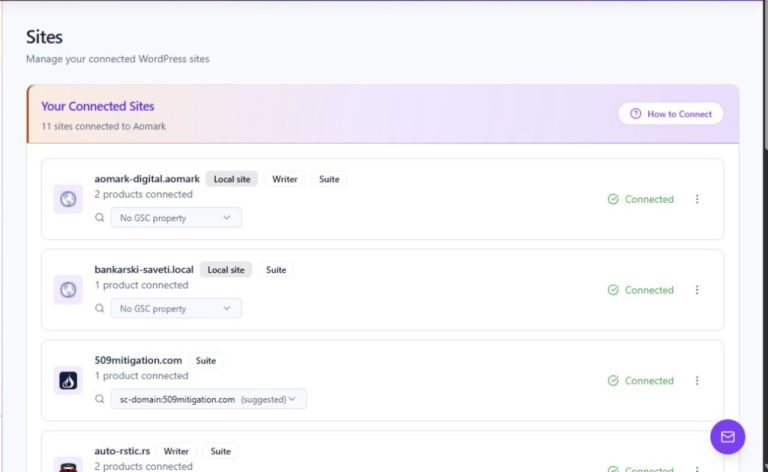
The Writer queue summarizes Drafts and Scheduled jobs. Available credits links to the Writer articles and Suite credits sections in Billing. The connected-sites panel previews sites and provides Manage and View all links; recent article activity appears farther down the page.
- Read the Drafts and Scheduled counts as a queue summary, then open Writer to work with individual jobs.
- Follow the relevant Available credits link to view your product's credit information in Billing.
- Use Manage or View all in the connected-sites panel to open site management.