Aomark Suite 2.0.0 · Updated September 26, 2026
Separate measured Google Search Console performance from third-party market estimates and compare each number within its reporting window.
Check which data you are viewing
The Overview combines distinct sources. Google Search Console requires its own Google authorization and selected property in Aomark Hub. Search estimates in Labs or research tools are third-party modeled estimates, not measured visits. A missing provider value is not the same as zero.
- Check the section heading and data source before interpreting a metric.
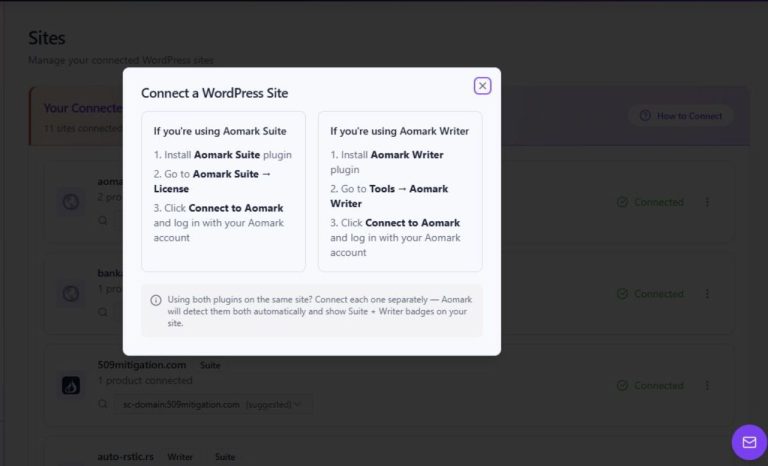
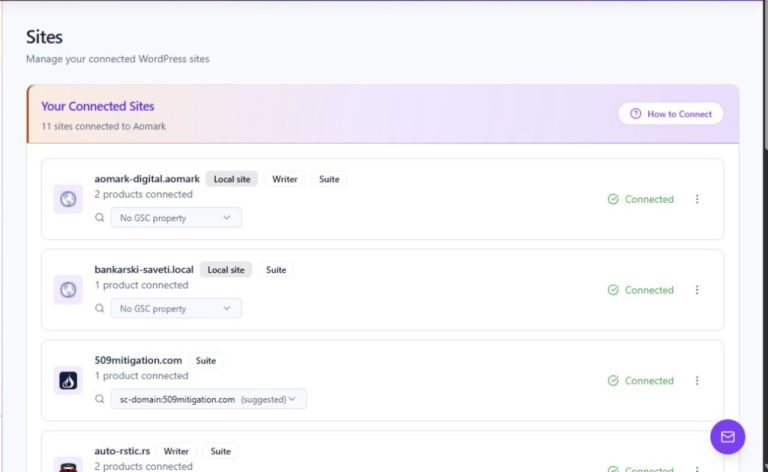
- For GSC, verify a property has been connected in Hub.
- Treat a missing market estimate as unavailable rather than zero traffic.
Read Search Console metrics
For the selected property and scope, Suite reports Google web search clicks, impressions, click-through rate and average position. The Overview compares adjacent finalized 28-day periods with a three-day reporting buffer. Check the date range, filters and selected property before drawing a conclusion.
- Open Overview and confirm the selected Search Console property in Hub.
- Read clicks, impressions, CTR and average position for the same completed periods.
- Compare equivalent scopes and filters before attributing a change to content.
Read market estimates separately
Research and Labs estimates describe modeled search-market data and may use different countries, devices, queries, caches and provider update schedules. Domain estimates are available only for eligible public root domains; local hosts and subdirectory sites may not receive them.
- Check the country and device used for the research.
- Note that cached data and provider update times can differ from the time the plugin fetched a response.
- Expect no domain-wide estimate for local hosts or subdirectory sites.
Use the numbers as context
Compare like with like: keep the property, market, date range and filters consistent. Treat a change in measured clicks differently from a change in an estimated market metric. Use page-level analytics and the underlying search query or page report when deciding what content to improve.
- Compare the same GSC property and equivalent completed periods.
- Look at query or page detail before deciding which content to revise.
- Use Labs estimates to form research questions, not as a count of your site's visits.