Aomark Hub · Updated September 28, 2026
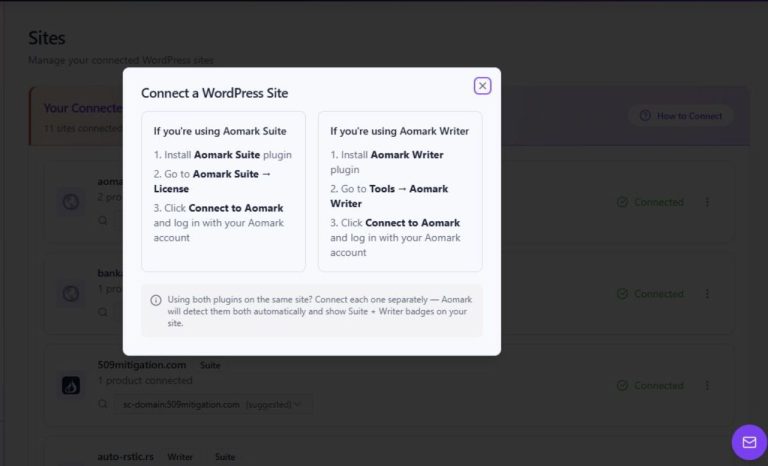
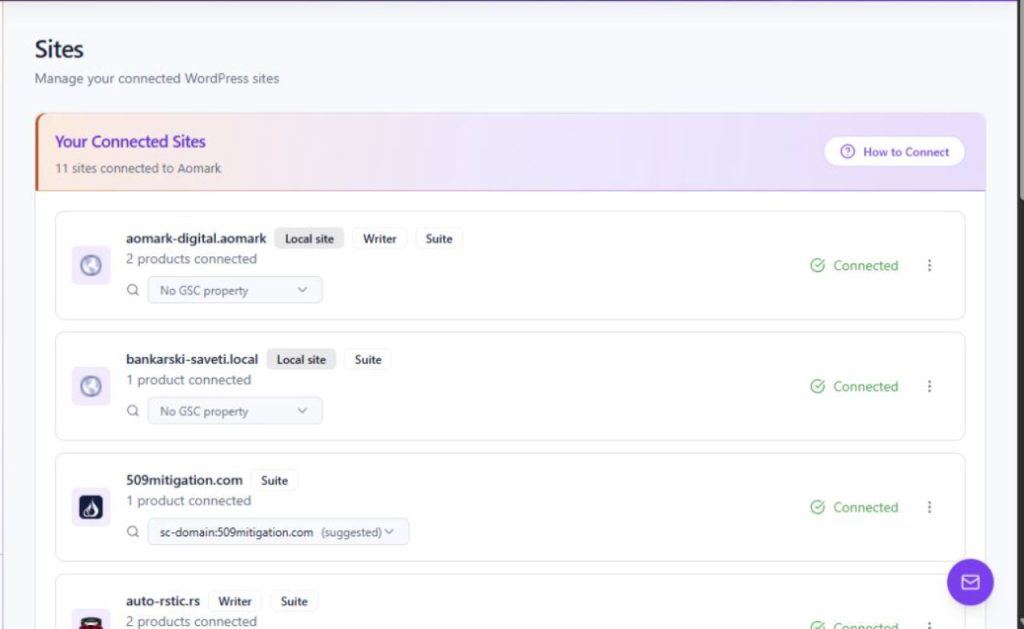
Use the Sites page to identify a WordPress domain, its connection state, and the Aomark products shown for it.
Identify a site card
Sites lists connected WordPress sites as cards. A card shows the site's domain, a local-site indication where applicable, its product count, and a Connected state. Use the domain to distinguish sites with similar names and read the state shown on that specific card.
- Open Sites from the Hub navigation.
- Locate the card by its displayed domain.
- Read the Connected state and product count on that card.
Understand product badges
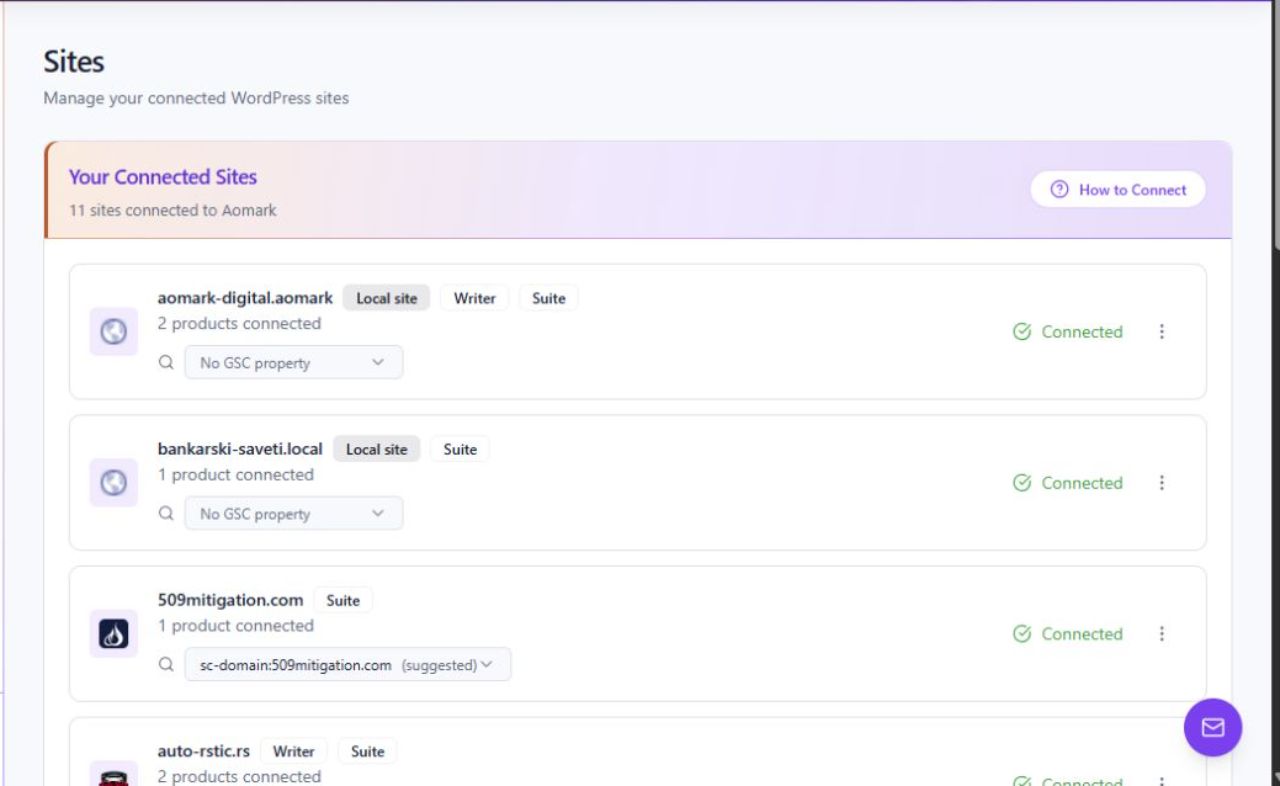
Writer and Suite badges indicate which Aomark products are shown for a site. A site connected through both plugins can show both badges because each plugin connects separately. The page also provides a Search Console property selector; that selector is separate from the product badges.
- Check for the Writer badge to see Writer listed for the site.
- Check for the Suite badge to see Suite listed for the site.
- If both products are in use, confirm that both badges appear; read the Search Console selector separately.