
Category: Tutorials
-
Product tutorial
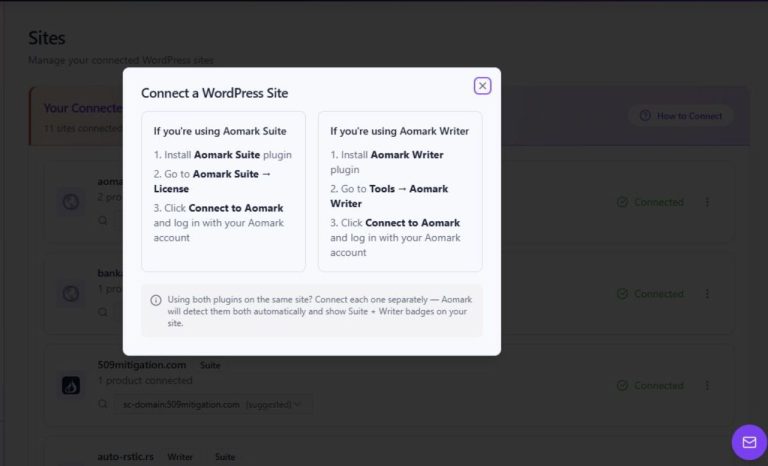
Connect a WordPress plugin from the Hub
Read article: Connect a WordPress plugin from the HubUse the Sites page’s How to Connect modal to follow the connection steps for Aomark Suite or Aomark Writer.
-
Product tutorial
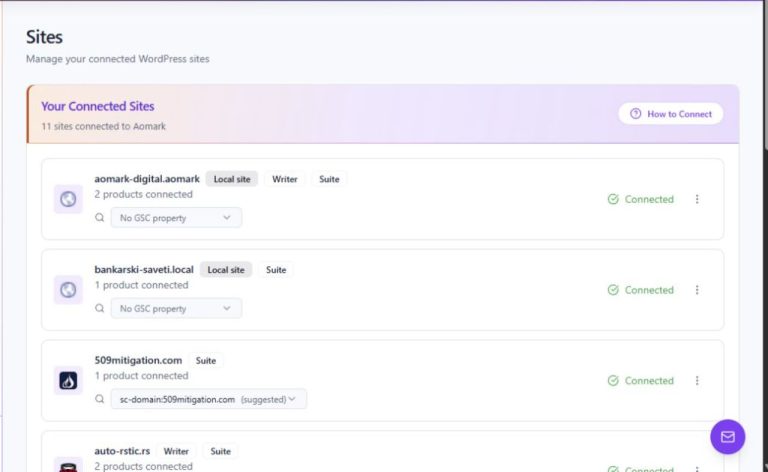
Read connected-site and product badges in Hub
Read article: Read connected-site and product badges in HubUse the Sites page to identify a WordPress domain, its connection state, and the Aomark products shown for it.
-
Product tutorial
Understand Hub billing credits and usage
Read article: Understand Hub billing credits and usageFind the separate Writer and Suite credit sections and read the values shown for your account in Billing.
-

Product tutorial
Contact support from Aomark Hub
Read article: Contact support from Aomark HubOpen the Contact Support panel, describe the issue, and use the reply-window information shown there before sending.
-

Product tutorial
Use the Aomark Hub overview and work queue
Read article: Use the Aomark Hub overview and work queueFind articles ready for review, check Writer queue counts, and open connected sites from the Hub overview.
-
Product tutorial
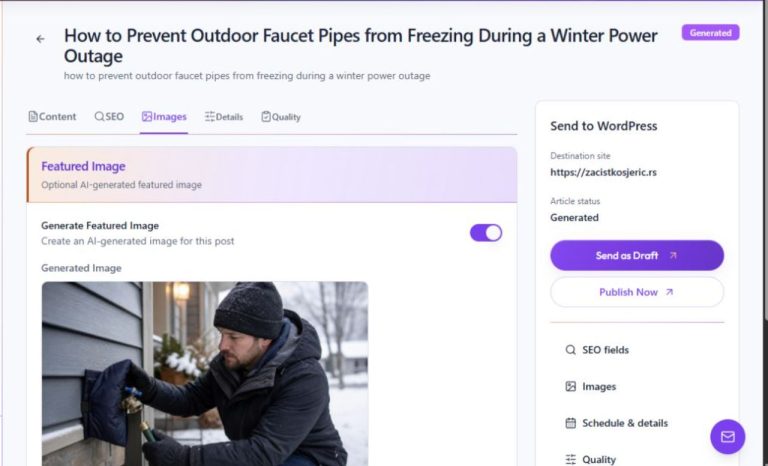
Generate and sync an article’s featured image
Read article: Generate and sync an article’s featured imageCreate an optional featured image, review it, and use Sync featured image to attach or refresh its WordPress metadata.
-
Product tutorial
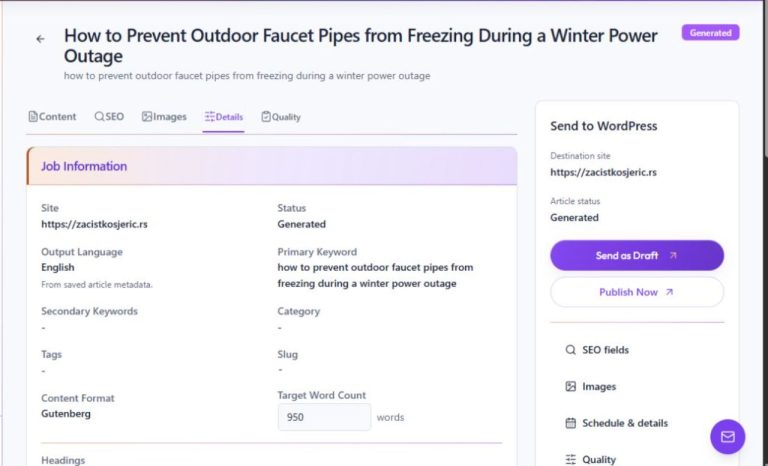
Review article details and delivery information
Read article: Review article details and delivery informationCheck the article’s site, keywords, taxonomy, slug, format, target length, schedule, and WordPress delivery details.
-
Product tutorial
Schedule an article job
Read article: Schedule an article jobChoose a date for a Writer job and check its site timezone and status before relying on the schedule.
-
Product tutorial
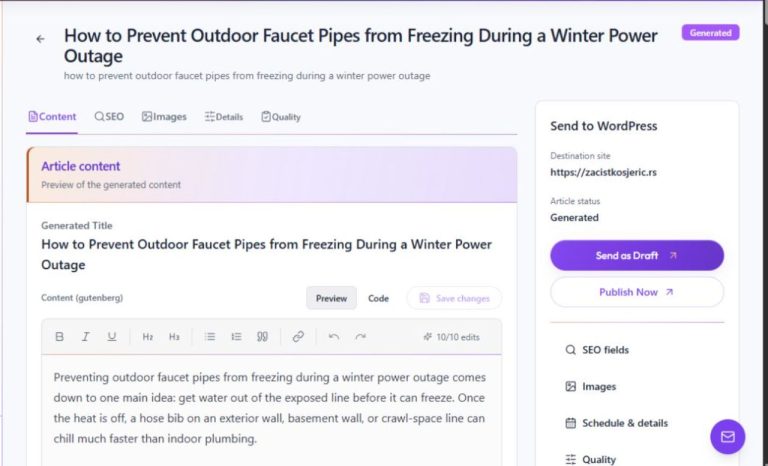
Send a Writer article to WordPress as a draft
Read article: Send a Writer article to WordPress as a draftReview the article and choose Resend as Draft to deliver it to the selected WordPress site without publishing it.
-
Product tutorial
Publish a reviewed Writer article
Read article: Publish a reviewed Writer articleUse Resend & Publish only after editorial review and destination checks; confirm the resulting WordPress status afterward.