Aomark Hub · Updated September 28, 2026
Compare WordPress AI writing tools by their site connection, draft review, destination checks, and control over publication.
Start with the job the tool must do
A WordPress AI content generator can describe anything from a writing aid to a plugin that claims to automate publishing. Search results for this topic include plugin listings, product pages, and comparison articles, so clarify what you need before comparing tools. Decide whether you need help preparing a draft, a way to review work across sites, or a publishing workflow with explicit human approval.
- Write down the kind of content you need and who will review it.
- Decide whether the tool should help with drafts, review, WordPress delivery, or a specific combination.
- Treat claims about rankings or hands-free publishing as claims to verify, not as a substitute for a workflow fit.
Check site connection and destination
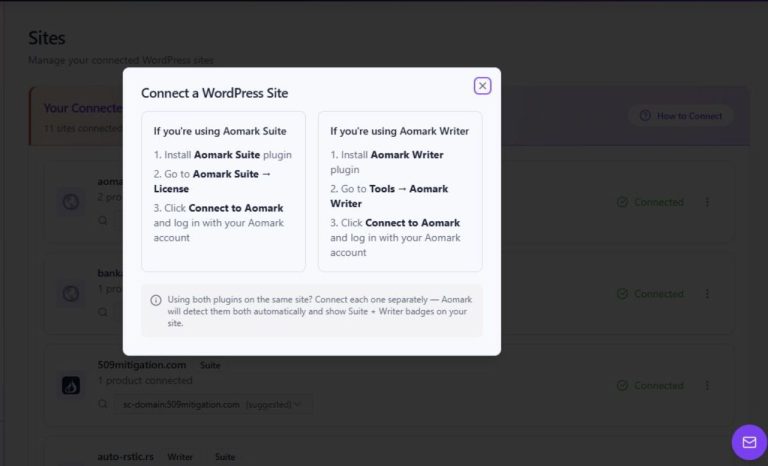
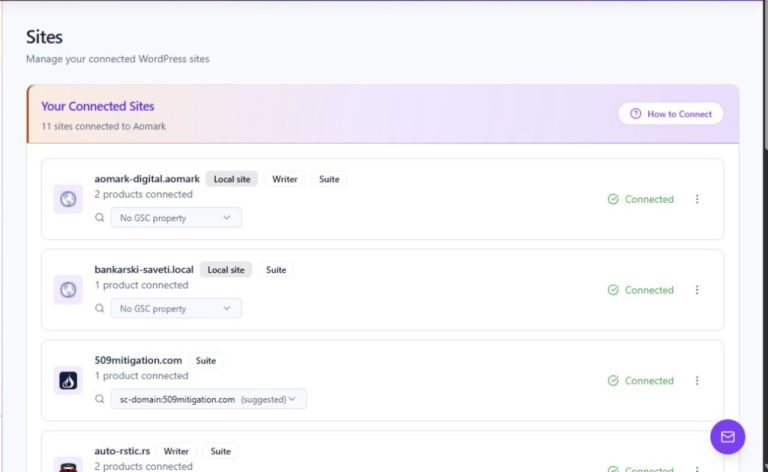
For a WordPress-connected workflow, check how a tool identifies the destination site and whether the selected site remains visible while work is reviewed. Aomark Hub's Sites page shows connected-site cards with domains and product badges; its How to Connect modal describes the Aomark Writer plugin path. A product badge indicates the product listed for that site, while the job's own destination should still be checked before delivery.
- Find the documented plugin connection steps before connecting a site.
- Confirm the intended domain and Writer badge in Hub after connecting.
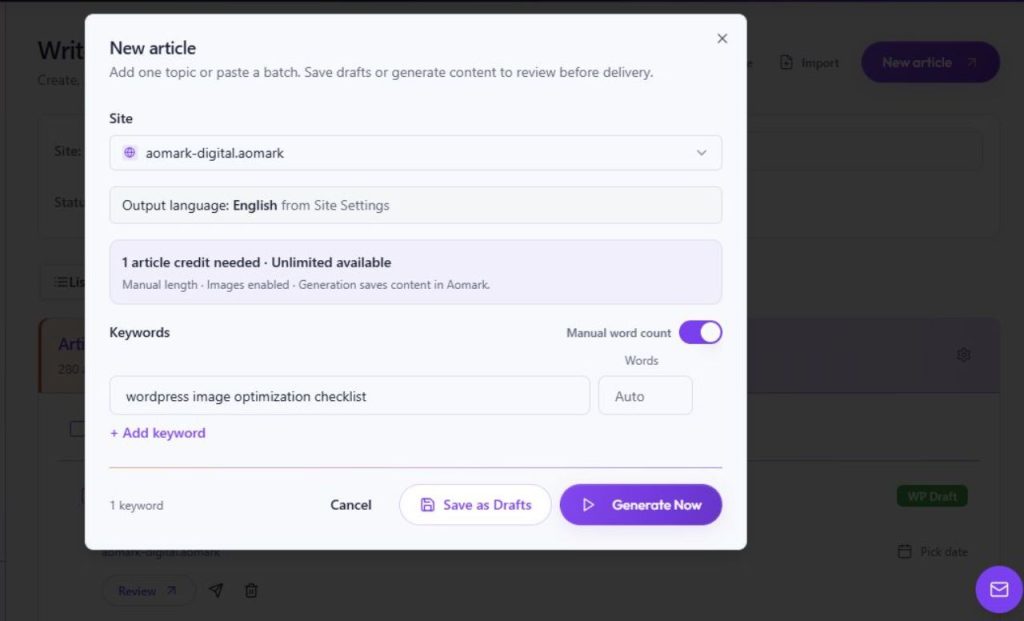
- When reviewing a job, check its selected site and destination before taking a delivery action.
Look for a review step before publishing
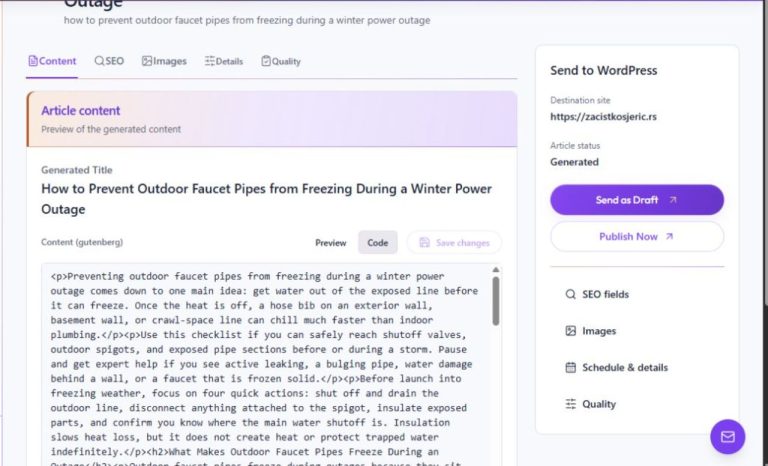
A useful workflow lets a person inspect the generated content and decide whether it is ready for WordPress. Check that you can read the article, correct errors, and distinguish a WordPress draft from an action that publishes. In Aomark Writer, separate tutorials cover editing generated content and sending an article to WordPress as a draft; use those to understand the observed controls rather than assuming every product handles review the same way.
- Ask where generated text can be inspected before delivery.
- Check how edits are saved and whether the workflow distinguishes drafts from publishing.
- Confirm that the delivery screen identifies the destination and outcome before you act.
Evaluate the editorial fit
A generated draft still needs checks for factual accuracy, reader intent, source coverage, and the site's voice. Review a representative draft against the facts and qualifications you supplied. Do not treat fluent output, a keyword score, or an SEO claim as proof that an article is accurate or will rank. Compare the tool's actual review and delivery path with the human checks your team requires.
- Prepare a small, representative brief with verified facts and a clear reader question.
- Review the resulting text for unsupported claims, missing caveats, and usefulness to that reader.
- Choose a tool whose documented workflow supports the review and approval steps you need.
Continue with a focused tutorial
Connect a WordPress plugin from the Hub
Review and edit generated Writer content
Send a Writer article to WordPress as a draft
Further reading
Google Search guidance on AI-generated content